
n8n vs Zapier vs Make: which automation tool?
The short answer
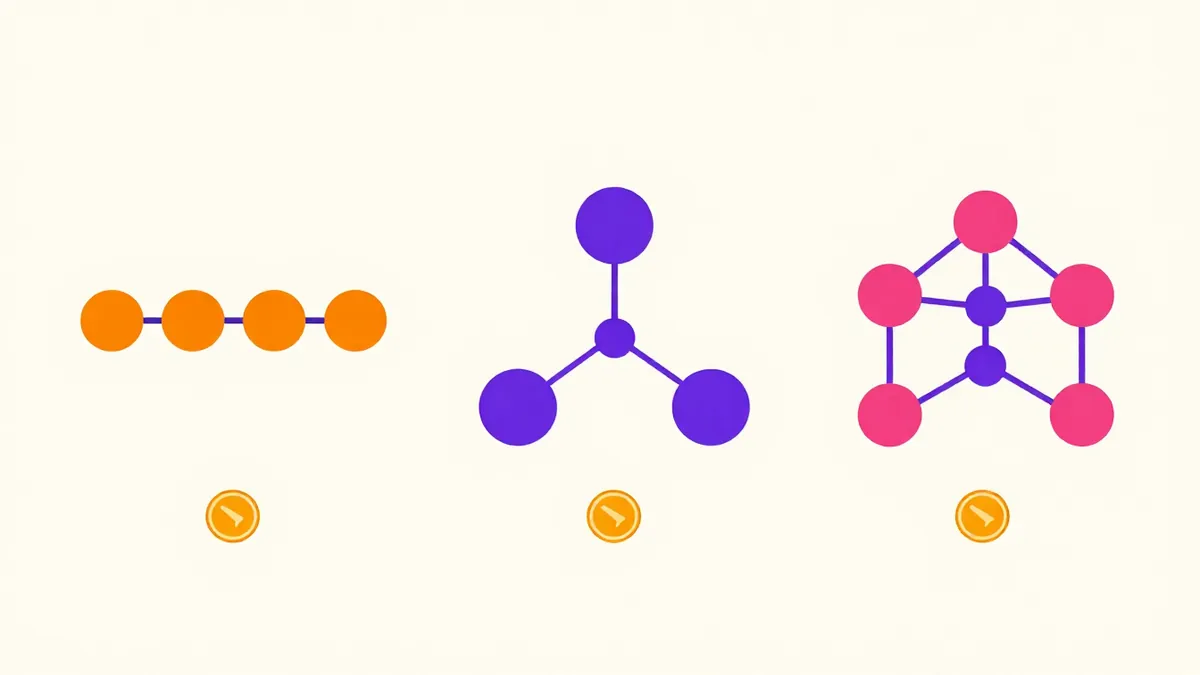
The three tools bill different units: n8n counts executions, Zapier counts tasks and Make counts credits. A 10-step workflow run 1,000 times is about 1,000 executions in n8n, 9,000 tasks in Zapier and 10,000 credits in Make. Choose n8n to self-host, Zapier for the quickest start and Make for visual branching.
How do n8n, Zapier and Make compare at a glance?
n8n, Zapier and Make compare by billing unit first: n8n counts executions, Zapier counts tasks and Make counts credits. That one difference changes the price of long workflows more than any plan name does.
| Point | n8n | Zapier | Make |
|---|---|---|---|
| Billing unit | Execution: one run of the whole workflow | Task: one successful action | Credit: most module actions cost 1 |
| Entry paid plan shown | Starter, 20 euros a month billed annually (2,500 executions) | Professional, 750 tasks at 19.99 dollars a month billed annually, or 29.99 dollars billed monthly | Core, price not shown on the page |
| Free allowance | Self-hosted Community Edition on GitHub | 100 tasks a month | 1,000 credits a month |
| Self-hosting | Yes | No, cloud only | No, cloud only |
| What doesn't count | Steps and data volume | Triggers, Filter and Formatter steps, failed actions | Router and error handler modules |
Pricing pages change often, so don't buy before you've confirmed the figure on the vendor's own page.
How do n8n, Zapier and Make charge for one workflow?
n8n, Zapier and Make charge one 10-step workflow run 1,000 times as about 1,000 executions in n8n, about 9,000 tasks in Zapier and about 10,000 credits in Make. The workflow here is a trigger plus 9 further steps, none of them a Filter or Formatter:
- n8n: 1,000 executions, 1 per run whatever the step count, which fits inside the 2,500-execution Starter allowance.
- Zapier: about 9,000 tasks, since the trigger is free and each of the 9 actions is a task. That's well past the 750-task Professional tier.
- Make: about 10,000 credits, at 1 credit for most module runs, against 1,000 credits a month on the Free plan.
The ranking flips for a short workflow. A 2-step Zap that runs 500 times a month uses 500 tasks, which fits the 750-task tier, so it's cheap there. Count your steps before you compare plans, and don't forget that loops multiply runs in every tool.
Which is easiest to learn: n8n, Zapier or Make?
Zapier is the easiest of the three to learn, Make sits in the middle and n8n asks the most of a non-developer. Zapier is a linear list of steps you fill in, Make is a visual scenario builder where you drag modules and route branches, and n8n is a node canvas that expects you to read JavaScript Object Notation (JSON) and sometimes write code.
A trigger, a filter and 2 actions take minutes in any of them, so that isn't where people get stuck; it's the logic after that. Branching on a condition, looping over a list and retrying a failed call are where the learning curve shows, so test those steps first.
Can you self-host n8n, Zapier or Make?
Yes, you can self-host n8n with its Community Edition, while Zapier and Make run only as cloud services. A standard self-hosted version of n8n is on GitHub, and n8n's pricing page lists its Business plan as self-hosted, with the hosted version on a waitlist.
Self-hosting keeps workflow data on servers you control, which helps with data control and compliance rules, but you'll own updates, backups and uptime. When your data can't leave your region, ask each vendor about data location in writing, since the answer isn't always on the pricing page.
Which automation tool is best for AI agents: n8n, Zapier or Make?
The best automation tool for AI agents is the one whose AI step lets you set a system prompt and pass tool results back, which all three now offer in different depth. n8n has an AI Agent node, Zapier has AI actions and agents, and Make has AI modules, and the features change every few months.
System prompt placement in the AI step works the same way in each tool. Keep standing rules, such as the role, the output format and what to do with missing data, in the system or instruction field. Send the changing data from earlier steps in the user message, since it varies on each run. Ask for a fixed JSON shape so the next step can read the reply, and add a fallback branch for replies that don't match. The system prompt generator builds that instruction text from a short form.
Who should pick n8n, Zapier or Make?
Pick n8n to self-host, Zapier for the quickest start and Make for visual multi-branch scenarios. Choose for the person who'll maintain the workflow, not the one who builds version 1.
- Non-technical owners: Zapier, for the shortest path to a working automation.
- Ops teams: Make, for branching, routing and error handling on a visual canvas.
- Developers: n8n, for code steps, self-hosting and a per-run price that doesn't grow with step count.
- Agencies: whichever your clients can keep running after you've left, often Zapier or Make.
How do you move a workflow between n8n, Zapier and Make?
You move a workflow between n8n, Zapier and Make by rebuilding it step by step, listing each trigger, action and field mapping first. There's no direct import between the three, so plan around the logic, not the screens.
- Write the workflow down as 1 trigger, a list of actions and the field mapping each step passes on.
- Rebuild the highest-volume workflow first, since it's the one you'll save most on, and run both versions side by side for one week.
- Compare the outputs of both runs, record by record.
- Once the new one matches, switch the trigger off in the old tool.
- Move the rest in order of monthly cost.
n8n vs Zapier before and after
The same request, asked two ways. Read the second one slowly. Each line does a job.
Automate my leads.
Build a workflow with one trigger and 4 steps.
Trigger: a new row in the "Website leads" sheet.
Step 1: classify the lead as hot, warm or cold from the budget and timeline columns.
Step 2: if hot, email me with the lead summary within 5 minutes.
Step 3: add a follow-up task due in 2 days.
Step 4: write "done" in the Status column.
If any step fails, send me the error text and stop.
Why it works
One trigger, numbered steps, a branch rule and a failure rule turn a wish into something you can build in any of the three tools and count in tasks, executions or credits.
n8n vs Zapier examples
Instruction text for an AI step in a workflow
A fixed JSON reply lets the next step branch without parsing free text.
You classify incoming {{item_type}} for {{business}}.
Read the data in the user message and return only this JSON: {"category": "{{categories}}", "reason": "one sentence", "confidence": 0 to 1}.
If a field is missing, set the category to "unknown" and explain what is missing in the reason.
Don't add any text outside the JSON.
How to use
- Copy it with the button above.
- Fill the blanks in {{double braces}} with your own details.
- Paste it into ChatGPT, Claude or Gemini and send it.
- Then follow up: ask for one change at a time.
Before you run “Instruction text for an AI step in a workflow” for the first time, the lesson on how to use AI prompts step by step walks through copying, filling and sending it.
Estimate the cost of a workflow on each platform
Writing the billing rules into the prompt keeps the arithmetic honest and shows where each unit grows.
My workflow has {{steps}} steps, of which {{free_steps}} are triggers, filters or formatters, and it runs {{runs}} times a month.
Using these billing rules, n8n counts one execution per run, Zapier counts one task per successful action and ignores triggers, filters and formatters, and Make counts about one credit per module run, calculate the monthly units for each platform. Show the arithmetic line by line, then list what I should check on each pricing page.
Which 3 AI workflows should you build first in n8n, Zapier or Make?
The three AI workflows to build first are a content draft pipeline, an inbox triage step and a weekly report summary, since each has 1 trigger and a finish you'll recognise. For the draft pipeline, the content engine prompt sequence gives you the prompts each AI step runs, in order, so you'll only wire up the trigger and the hand-offs yourself.
- Content draft pipeline: an approved topic triggers an outline, a draft and a notification for review.
- Inbox triage: each new email goes to an AI step that labels it and drafts a reply for you to approve.
- Weekly report summary: a schedule pulls the numbers and sends a summary. The report maker writes that summary text.
An AI step can't do better than the prompt it's given. To pick the right method for each step, the overview of prompt engineering techniques lists them side by side, and worked cases sit in examples of prompt engineering.
n8n vs Zapier FAQ
Still stuck? Build it in Prompt Studio. It'll score each part as you go.
Is n8n free to use?
Yes, n8n is free to use as the self-hosted Community Edition, and the cloud plans are paid. You'll still pay for the server and your time, and n8n's cloud Starter plan is 20 euros a month billed annually.
Which is cheaper for long workflows, Make or Zapier?
Make is cheaper than Zapier for long workflows only when its price per credit beats Zapier's price per task, since Zapier counts every action as a task and Make counts most module runs as a credit; check both pricing pages on the day. Make's page didn't show paid prices when checked.
Which of n8n, Zapier and Make is easiest for a non-developer?
Zapier is the easiest for a non-developer among n8n, Zapier and Make, since you fill in a list of steps. Make suits people comfortable with a visual canvas, and n8n suits people who can read JSON.
Can n8n replace Zapier for a small team?
Yes, n8n can replace Zapier for a small team that's ready to host it or pay for n8n cloud and build workflows itself. Each workflow has to be rebuilt by hand, so move one first and compare the results.